





Skip to content
  • Add anything here or just remove it...
  • Add anything here or just remove it...
  • Cart / $0.00 0
    • No products in the cart.

  • 0

    Cart

    No products in the cart.

  • Assign a menu in Theme Options > Menus
Home / Tonie

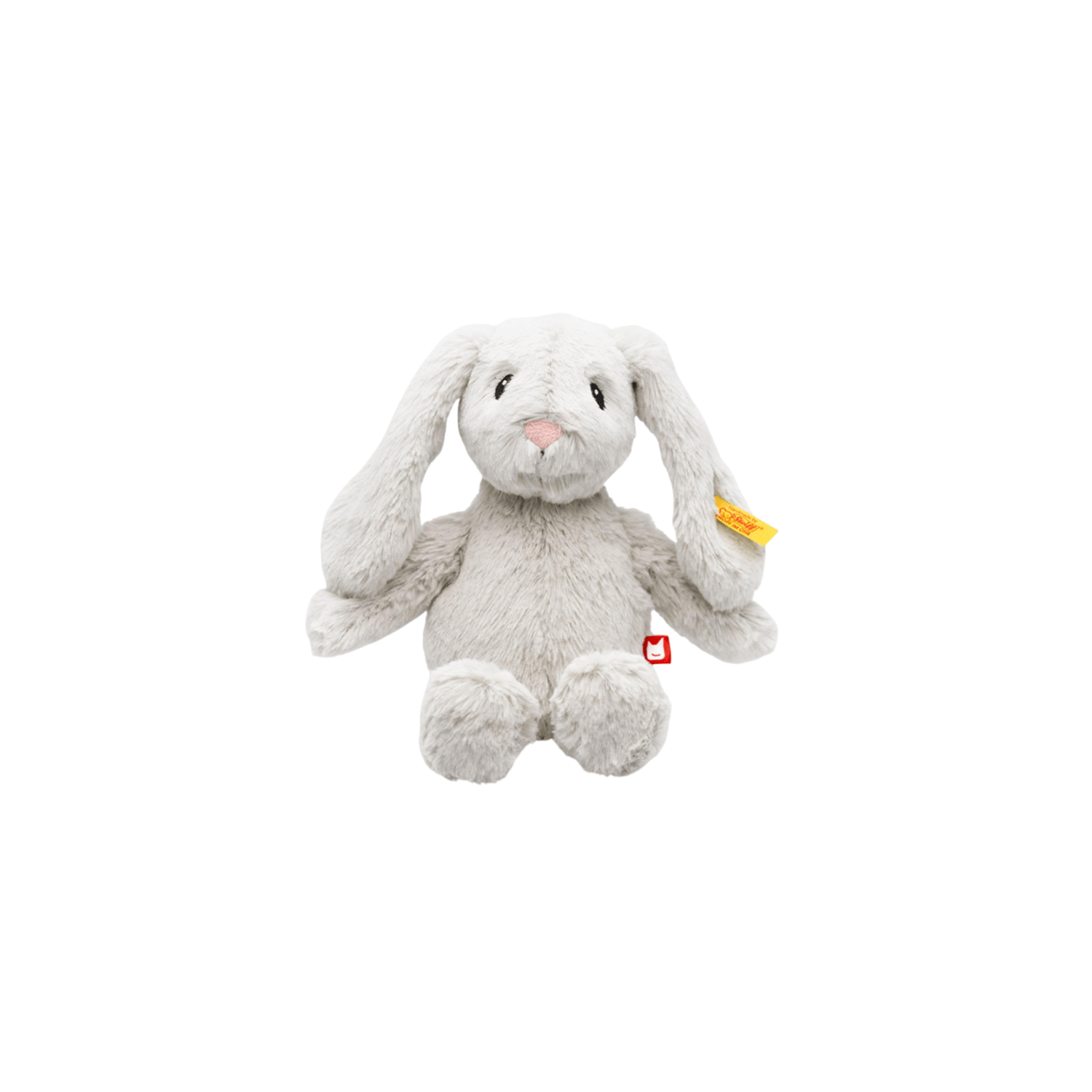
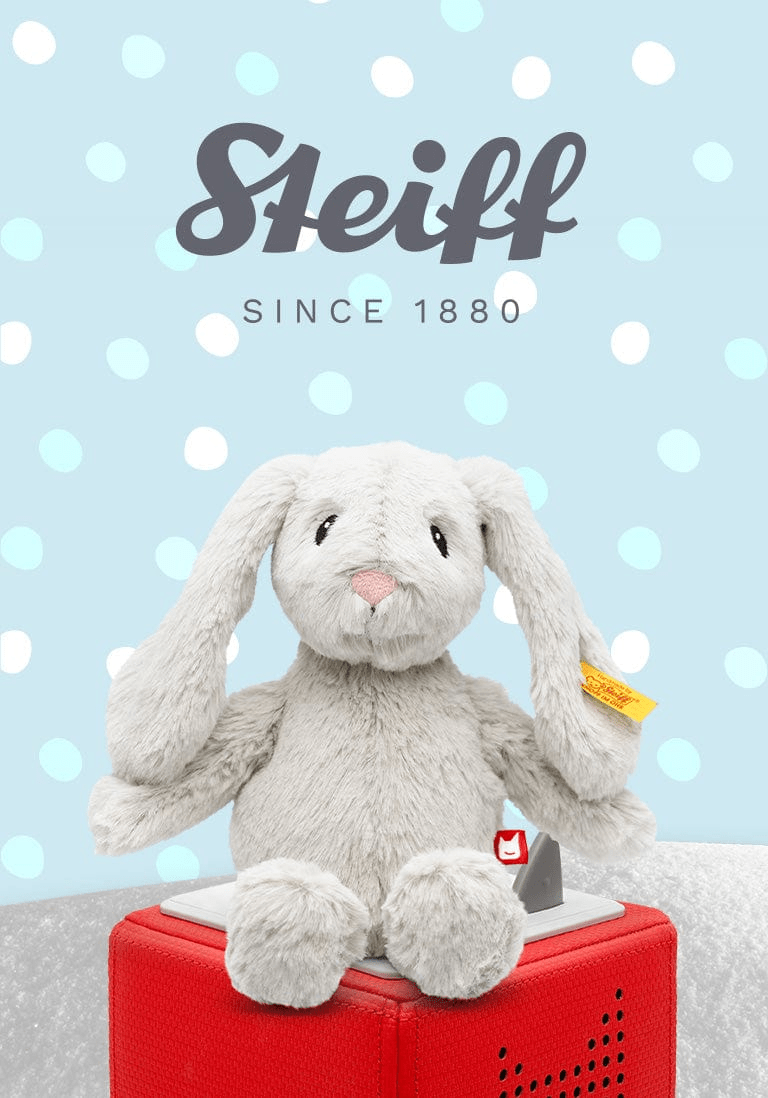
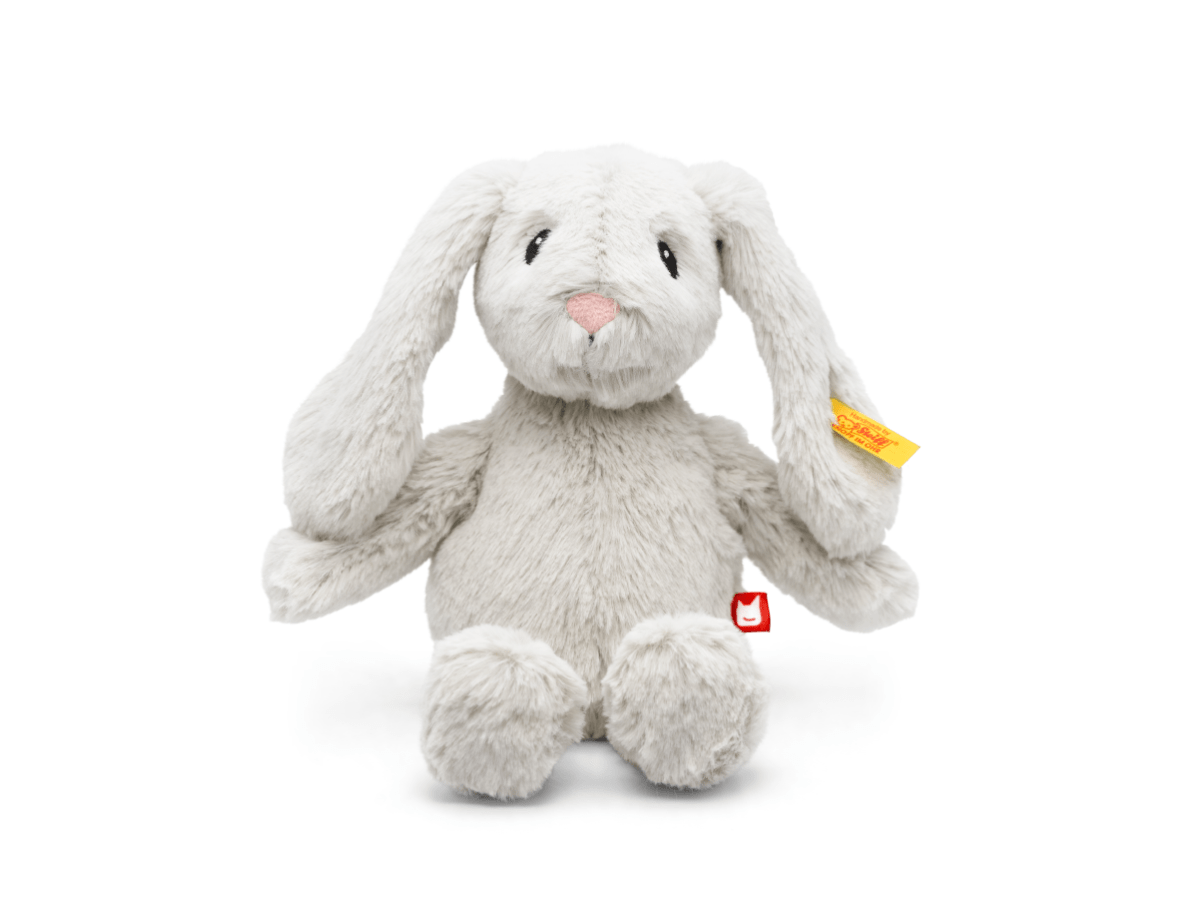
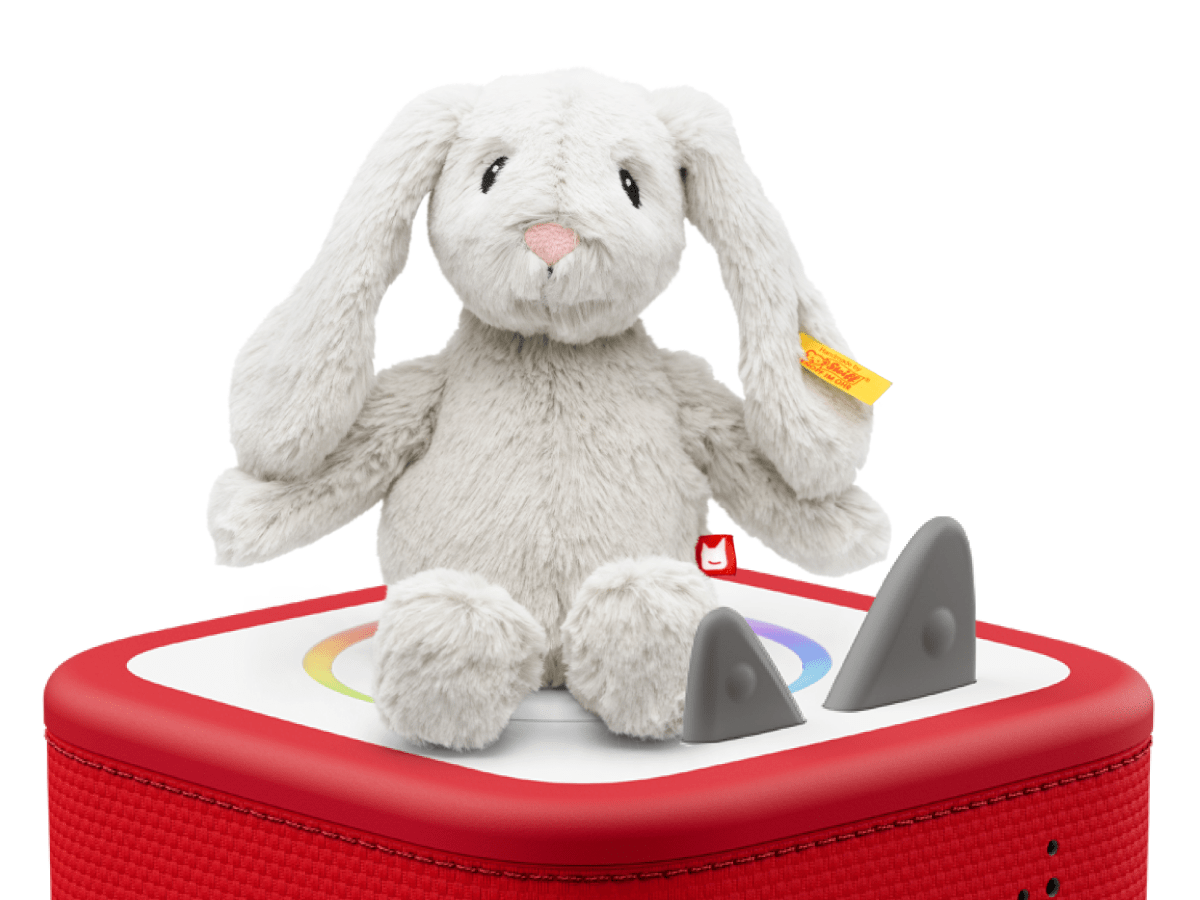
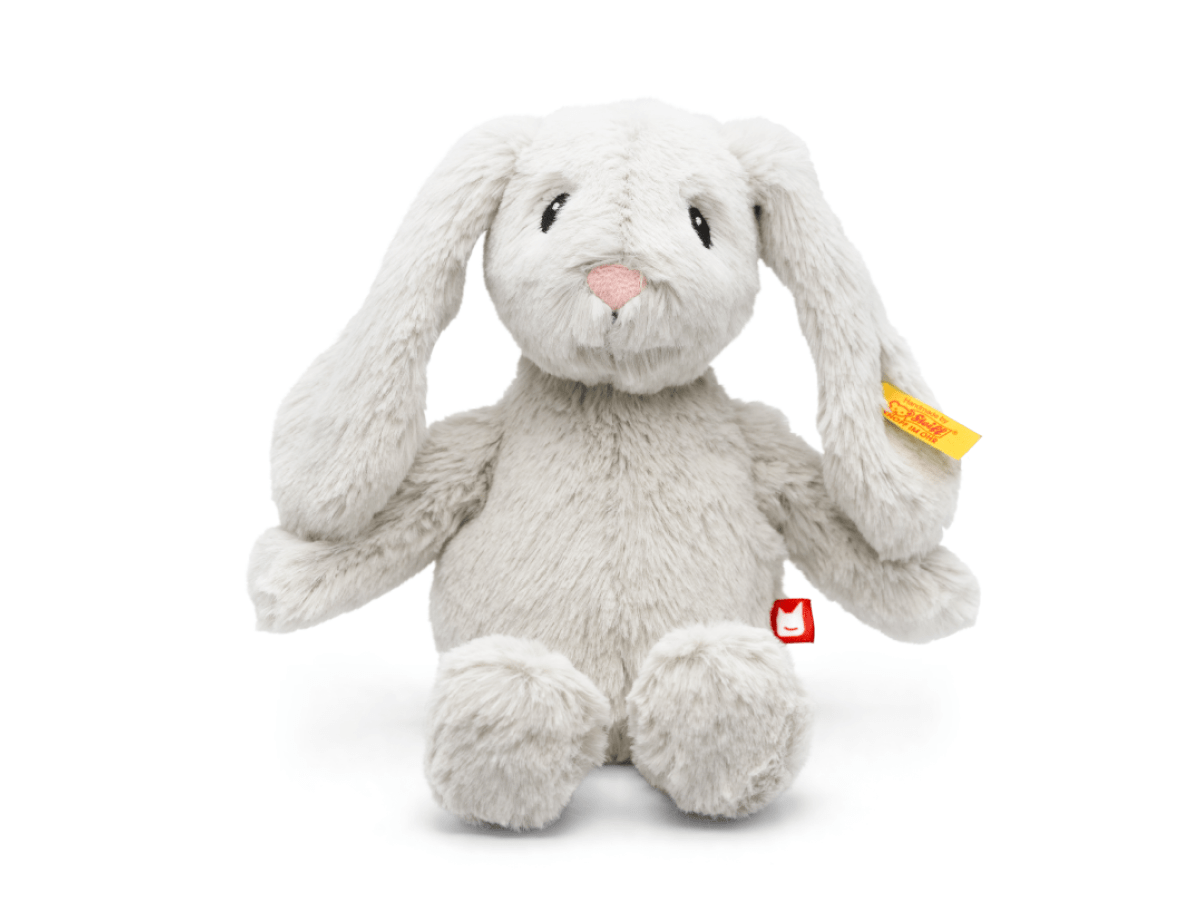
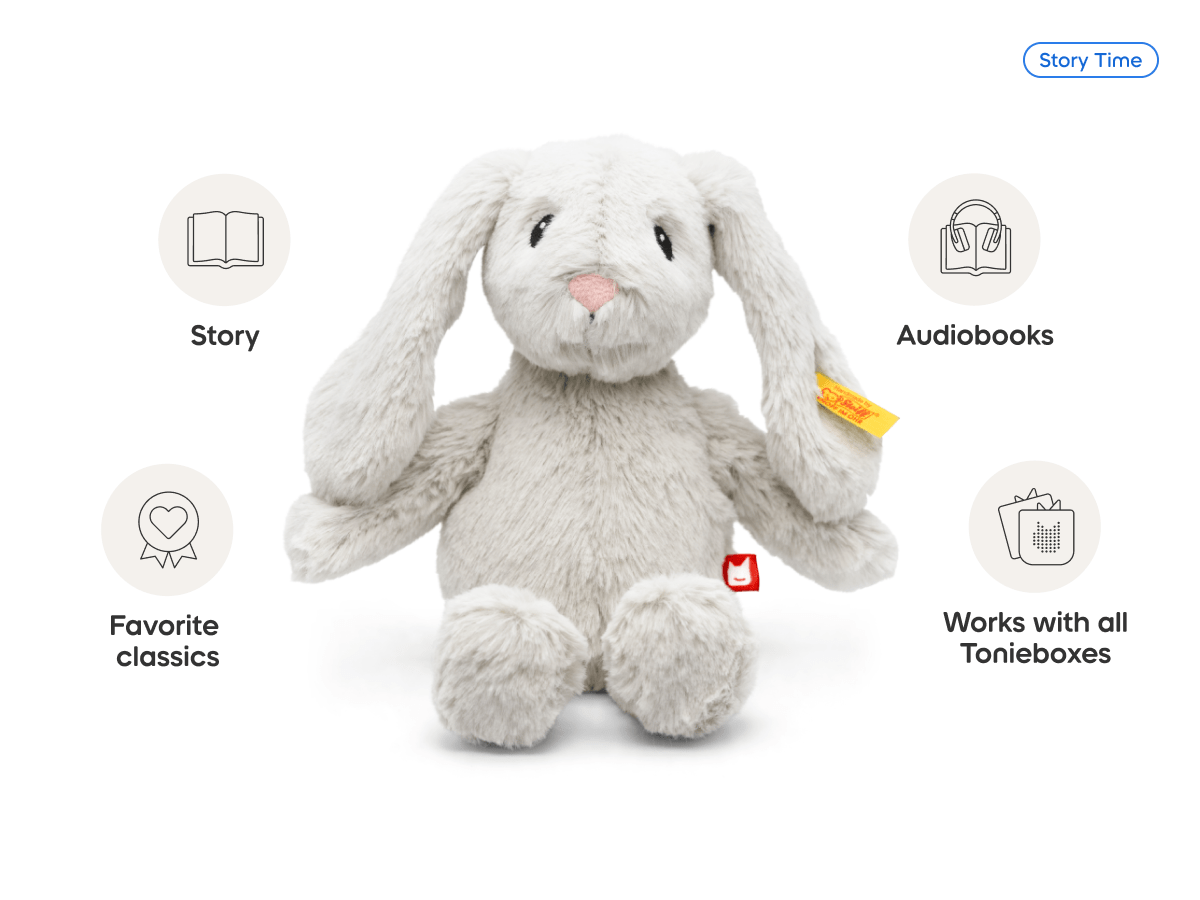
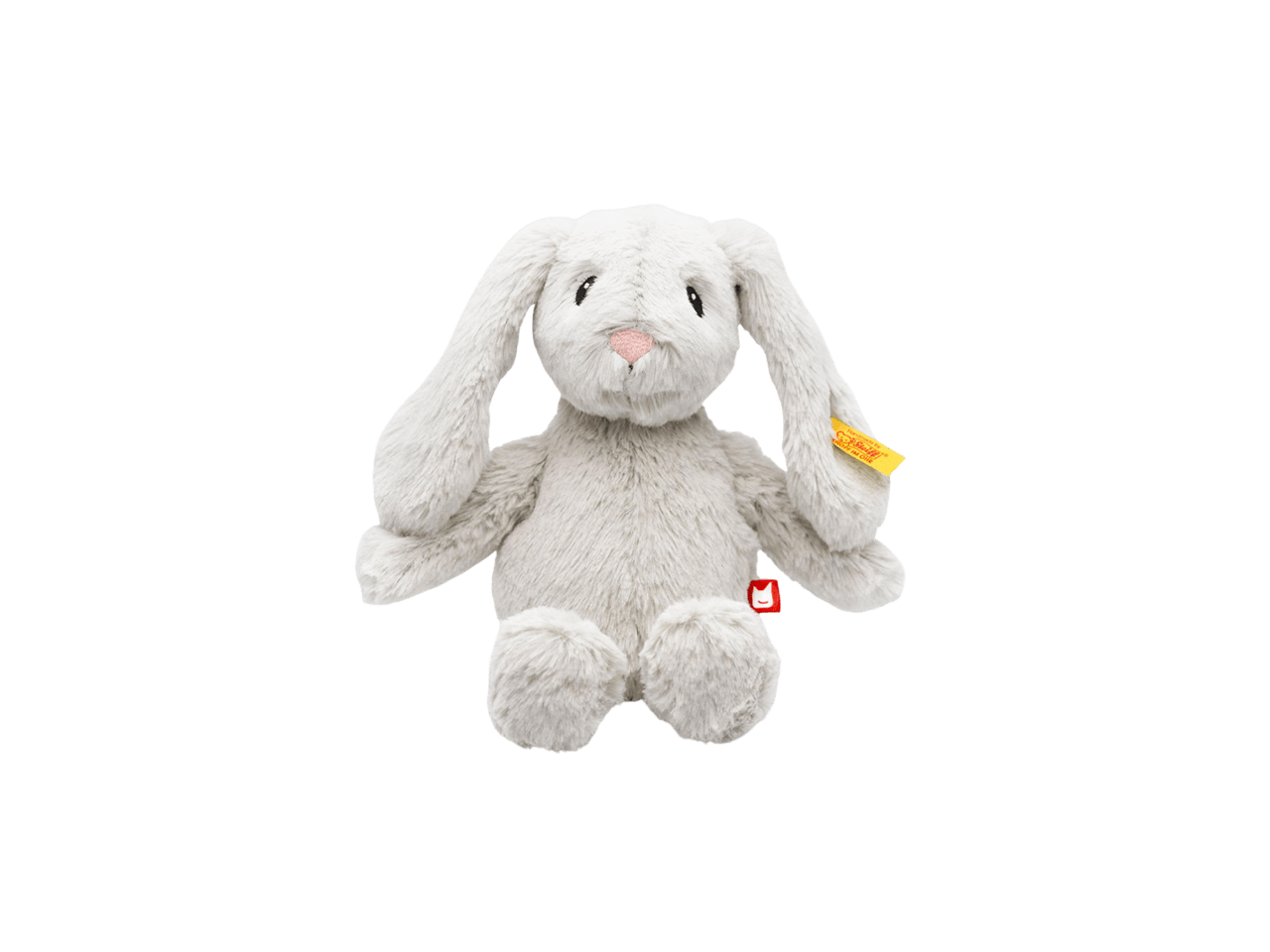
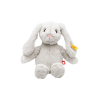
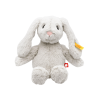
tonies? x Steiff Hoppie Rabbit Plush Tonie

$9.00

Clear
  • Description
  • Additional information
  • Reviews (0)

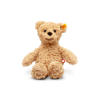
Every evening, as Lisa??s toy shop closes, magical things happen. When the moon shines through the shop window specks of dust dance through the air as Hoppie Rabbit and Jimmy Bear wake up and take a ride on the magical, mystical moonbeam slide to the Land of The Soft Cuddly Friends and their adventures begin.

Each of the two Soft Cuddly Friends Tonies contain six charming stories told beautifully by our cast of characters and narrated by Pete Coe.

Hoppie Rabbit likes to be in the lead when it comes to ideas. Listen to these stories and find out how she manages to get all the cuddly friends to play together.

Original stories by Maggie Fischer

Steiff and tonies? have partnered together to bring little listeners Soft Cuddly Friends, the first Steiff animals that tell loving bedtime stories, including ones that you can record with your own voice!

Toniebox sold separately.

Title

Default Title

Reviews

There are no reviews yet.

Be the first to review “tonies? x Steiff Hoppie Rabbit Plush Tonie” Cancel reply

Related products

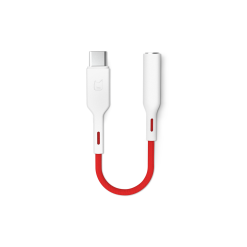
USB-C to AUX Adapter
Quick View

USB-C to AUX Adapter

$9.99
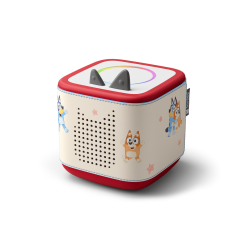
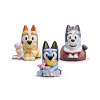
Toniebox 2 Sleeve: Bluey
Quick View

Toniebox 2 Sleeve: Bluey

$15.99
Bluetooth Headphones: Moon Gray
Quick View

Bluetooth Headphones: Moon Gray

$10.50
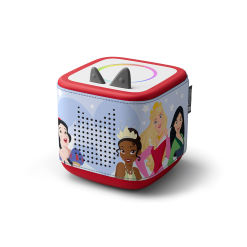
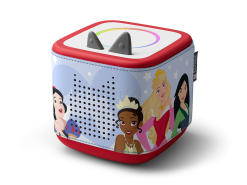
Toniebox 2 Sleeve: Disney Princess
Quick View

Toniebox 2 Sleeve: Disney Princess

$15.99
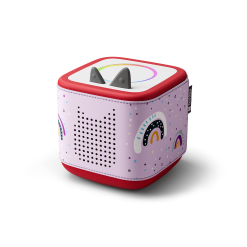
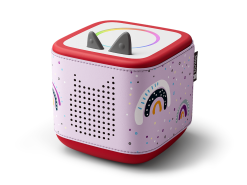
Toniebox 2 Sleeve: Rainbow
Quick View

Toniebox 2 Sleeve: Rainbow

$12.99
Wired Headphones: Sky Blue
Quick View

Wired Headphones: Sky Blue

$7.50
Mini Tabletop Shelf: Rainbow
Quick View

Mini Tabletop Shelf: Rainbow

$9.00
Wired Headphones: Sunset Red
Quick View

Wired Headphones: Sunset Red

$7.50
Copyright 2026 © Flatsome Theme
  • Assign a menu in Theme Options > Menus
  • Login

Login

Lost your password?